
Booking Integration Website Guide for More Bookings
A practical guide to planning a small-business booking path that connects forms, calendars, payments, confirmations, follow-up, and tracking without turning the website into a messy tool stack.
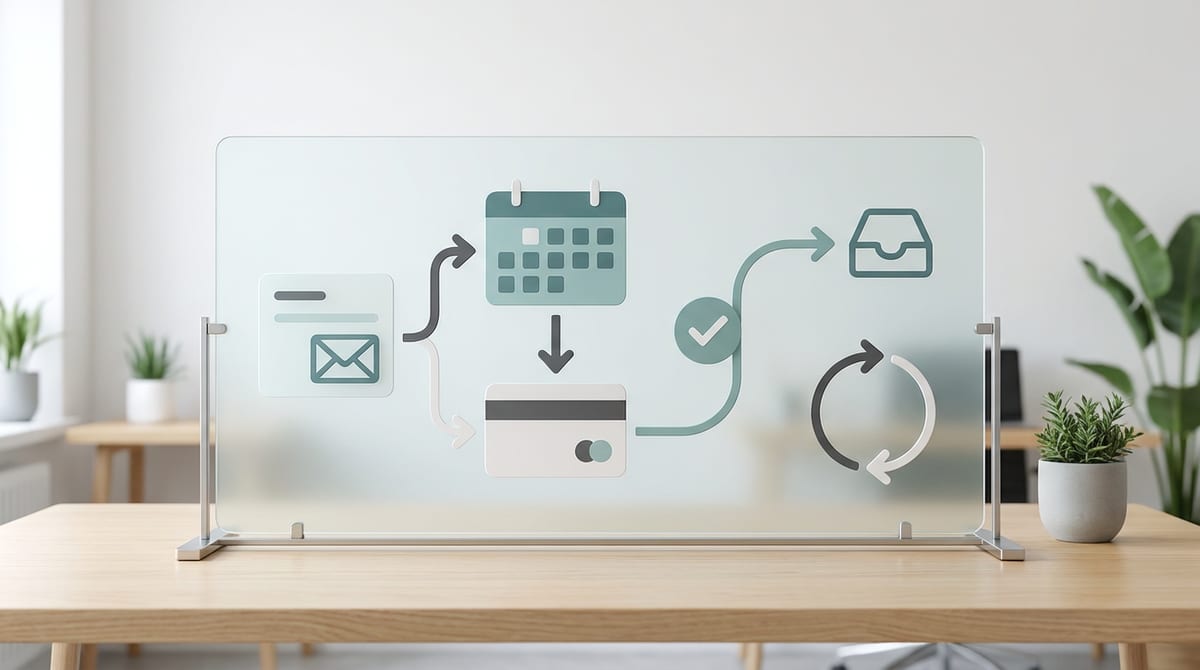
A booking integration website is not just a page with a calendar button. For a small business, it is the whole path from visitor intent to confirmed next step: the form, calendar, payment link, reminder, inbox routing, and follow-up process working together.
That matters because most booking problems are not caused by one missing button. They happen when a visitor wants to book, but the website sends them through a slow form, a confusing calendar, a dead payment link, or a manual back-and-forth that nobody owns.
This guide explains how to plan a small business booking website that is useful, simple to maintain, and realistic to launch.
What is a booking integration website?
A booking integration website connects your public website to the tools that handle appointments, reservations, consultations, deposits, quotes, or paid requests.
Depending on the business, that may include:
- A short inquiry form.
- A scheduler such as Calendly, Setmore, or industry software.
- A payment link for deposits, consultations, classes, or orders.
- A confirmation message or email.
- Internal notification routing.
- Calendar sync or manual review.
- Analytics and conversion tracking.
- A CRM, spreadsheet, or inbox workflow.
The goal is not to make the website look more technical. The goal is to reduce the steps between "I want this" and "I know what happens next."
A salon may need a service menu and appointment booking. A clinic may need careful intake routing. A contractor may need quote requests with project details. A consultant may need calendar slots and payment before the call. A restaurant may need reservations, online ordering, or event inquiries.
Different businesses need different tools, but the website should make the next step obvious.
Where should the booking path start?
Start with the customer action, not the software.
Ask what the visitor is trying to do:
- Book a time.
- Request a quote.
- Reserve a table.
- Pay a deposit.
- Ask if a service is available.
- Send a file, photo, or project detail.
- Choose between several appointment types.
- Talk to a person before committing.
Then decide where that action belongs on the website. The booking path should usually appear in three places:
- The first screen of the homepage, when booking is the main conversion.
- Relevant service pages, where visitors already understand the offer.
- The contact page, for visitors who want options besides booking.
Avoid placing the same heavy widget everywhere just because it exists. A visible button that leads to a focused booking page is often cleaner than loading a full scheduler on every page.
Do you need a form, calendar, payment link, or all three?
Most small businesses need one of four patterns.
Pattern 1: form first. This works when every request needs review before it becomes an appointment. Contractors, custom service providers, architects, agencies, and some clinics often need this path. The form should ask only what is needed to qualify and respond.
Pattern 2: calendar first. This works when services are standardized and availability is clear. Salons, consultants, tutors, fitness studios, and some professional services can often let visitors choose a time directly.
Pattern 3: payment first or payment during booking. This works for deposits, paid consultations, workshops, classes, event tickets, and prepaid services. [Stripe's Payment Links documentation](https://docs.stripe.com/payment-links) describes shareable links that can be used on websites, emails, and other channels, which is often enough for simple payments without building a custom checkout.
Pattern 4: hybrid. This is common. A visitor fills a short form, chooses a service type, then books a time or receives a follow-up link. The trick is to keep the path understandable instead of turning it into six disconnected steps.
Do not start by asking, "Which booking app should we use?" Start by asking, "What does the business need to know before saying yes?"
What should a small business booking website collect?
Collect enough information to act quickly, but not so much that visitors abandon the process.
For most businesses, the core fields are:
- Name.
- Email or phone.
- Preferred service.
- Preferred date or urgency.
- Location or service area, if relevant.
- A short message or project detail.
Only add sensitive, detailed, or long-form questions when they are truly needed. Medical, legal, financial, and other regulated businesses should be especially careful about what their forms collect and where that data is stored.
If the business needs complex intake, the website can still keep the first step simple. Use the public website to capture intent, then route the visitor to the right secure or industry-specific intake process.
How should online booking integration work on mobile?
Many booking decisions happen on a phone. A booking path that works on desktop but feels cramped on mobile is not finished.
Check the mobile experience for:
- Tap targets that are large enough to use.
- A booking button visible near key decision points.
- Forms that do not ask for unnecessary typing.
- Calendar embeds that fit the screen.
- Payment pages that open reliably.
- Confirmation messages that are easy to read.
- Phone and email fallbacks for visitors who do not want to self-book.
[Calendly lists several embed options](https://calendly.com/help/embed-options-overview), including inline embeds and popup styles. Those options can be useful, but the right choice depends on the page. A full inline calendar may work on a dedicated booking page, while a simple button may work better on a homepage or service page.
The mobile rule is simple: the visitor should never wonder whether the booking worked. The right booking integration website makes confirmation feel immediate, even if a staff member still reviews the request before accepting it.
What can break when booking tools are added poorly?
Booking integrations can create real friction when they are dropped into a site without planning.
Common problems include:
- The button says "Book now" but opens a generic contact form.
- The calendar offers services the page never explained.
- The form routes to the wrong inbox.
- The payment link does not match the service or deposit policy.
- Confirmation messages are vague.
- The booking tool loads slowly on every page.
- Tracking records page visits but not completed bookings.
- Staff do not know which system owns the follow-up.
- The mobile layout hides the final submit button.
These problems are operational, not just visual. A website can look polished while leads are still leaking behind the scenes.
Before launch, submit real test bookings. Use a phone. Try the shortest path and the fallback path. Confirm who receives the alert, what the customer sees, whether the calendar updates, and whether payment or deposit steps match the service policy.
How do payments fit into a booking integration website?
Website payments should be used only when they make the customer's next step clearer.
Good uses include:
- Paid consultations.
- Appointment deposits.
- Class or workshop bookings.
- Event deposits.
- Fixed-price service requests.
- Online ordering or reservation add-ons.
Avoid adding payment too early if the service requires manual quoting, eligibility checks, or a conversation first. In those cases, a quote-request form is usually cleaner.
If payment is part of the flow, the page should explain:
- What the customer is paying for.
- Whether the payment is a deposit or full payment.
- What happens after payment.
- Whether the booking is confirmed immediately or reviewed first.
- How rescheduling or cancellation works.
Do not make customers infer policy from a payment button. The website copy should reduce doubt before the payment page opens.
How should booking pages support local SEO and trust?
A booking integration website still needs ordinary website fundamentals.
Booking tools do not replace service pages, local context, reviews, photos, credentials, FAQs, or clear contact details. The booking path works better when visitors already understand why they should choose the business.
For local businesses, connect booking calls to relevant pages:
- Service pages should explain the service before asking for a booking.
- Location or service-area pages should clarify where the business works.
- Contact pages should offer alternatives for visitors who need help.
- Review and proof sections should sit near important calls to action.
- FAQs should answer common doubts before the booking step.
This is where a managed CMS helps. Owners need to update hours, staff, services, seasonal notes, pricing language, FAQs, and booking instructions without rebuilding the design.
For related conversion work, Brimky's guide to [contact page fixes that convert](https://brimky.com/en/blog/your-contact-page-is-costing-you-leads) is a useful companion to this booking-focused plan.
What should be tested before launch?
Do not launch a booking integration based only on how the page looks.
Test the workflow:
- Submit a booking or inquiry from desktop.
- Submit the same path from mobile.
- Test every service type or appointment category.
- Confirm the right person receives the alert.
- Check confirmation text and email replies.
- Check calendar availability and time zones.
- Test payment links, receipts, and cancellation language.
- Confirm analytics or conversion tracking where relevant.
- Test fallback phone and email links.
- Remove old or duplicate booking links from the site.
Also decide who owns ongoing changes. If hours change, services change, staff leave, prices move, or a new location opens, the booking path must be updated. A stale booking flow can be worse than no booking flow because it creates false expectations.
How can Brimky help with booking integration websites?
Brimky builds managed websites for small businesses that need the website, CMS, hosting, setup help, and ongoing support handled together. The process starts with a proven industry template or a custom build, then adapts the pages, copy, forms, booking path, and add-ons to the business.
That matters because online booking integration touches more than one page. It affects homepage CTAs, service pages, contact forms, payment links, confirmation copy, mobile layout, analytics, CMS updates, hosting, and support.
Instead of asking an owner to coordinate a designer, a DIY builder, a booking app, a payment tool, a tracking setup, and a hosting provider, Brimky can scope the path as one managed website project.
Need a booking integration website that connects your forms, calendar, payments, and follow-up cleanly? [Browse Brimky templates](https://brimky.com/en#templates) or [contact Brimky](https://brimky.com/en/contact) to plan a managed setup around the tools your business already uses.
FAQ
What is the best booking integration for a small business website?
The best booking integration is the one that matches how the business actually accepts work. Simple appointments may use a scheduler. Custom work may need a form first. Deposits or paid consultations may need a payment link. The website should make that path clear before choosing the tool.
Should I embed a calendar or link to a booking page?
Use a dedicated booking page or button when the calendar is heavy, complex, or not needed on every page. Use an inline embed when visitors are already ready to choose a time and the embed works well on mobile.
Can a booking integration website take payments?
Yes, if payments fit the service. Deposits, paid consultations, classes, workshops, and fixed-price services can work well. For custom quotes or regulated services, it is often better to collect an inquiry first.
Does online booking replace a contact form?
Usually no. Many visitors still need a fallback option, especially when they have special questions, accessibility needs, complex requests, or trouble with a scheduling tool. A good booking path still offers contact alternatives.